Everything in the app
What your owners see on their phones, and what you do behind it. Start free and add more when you need it.
Six things they open it for.
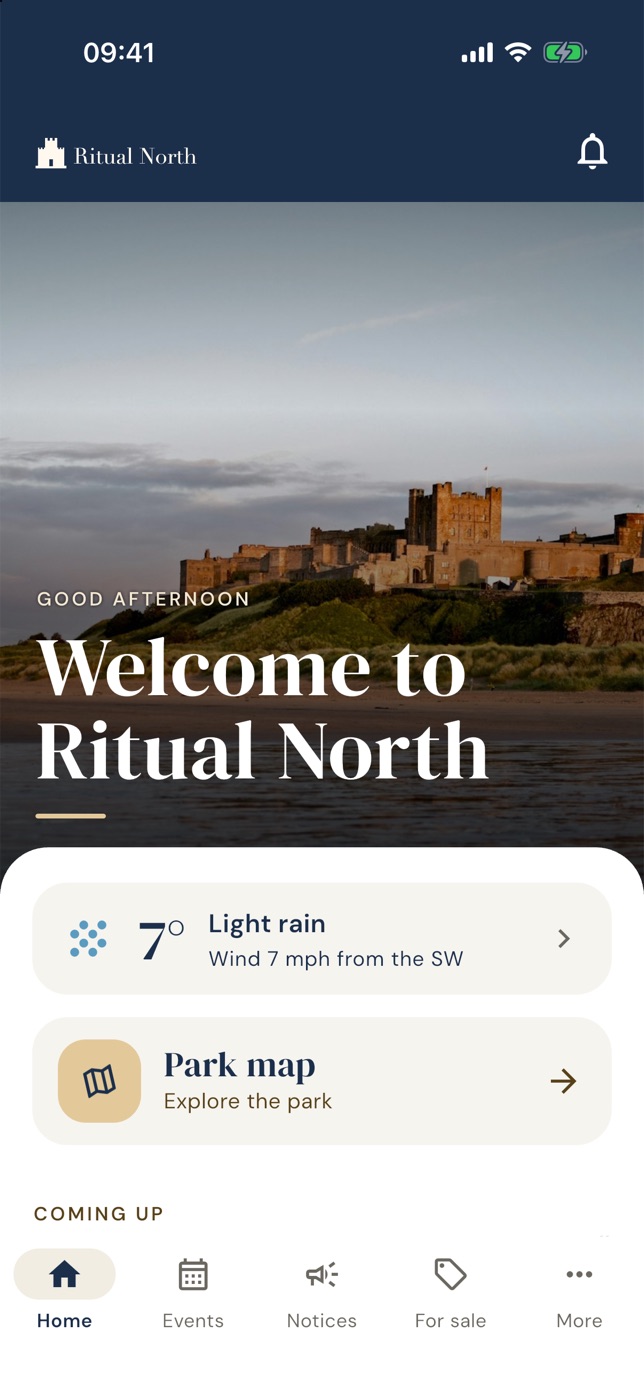
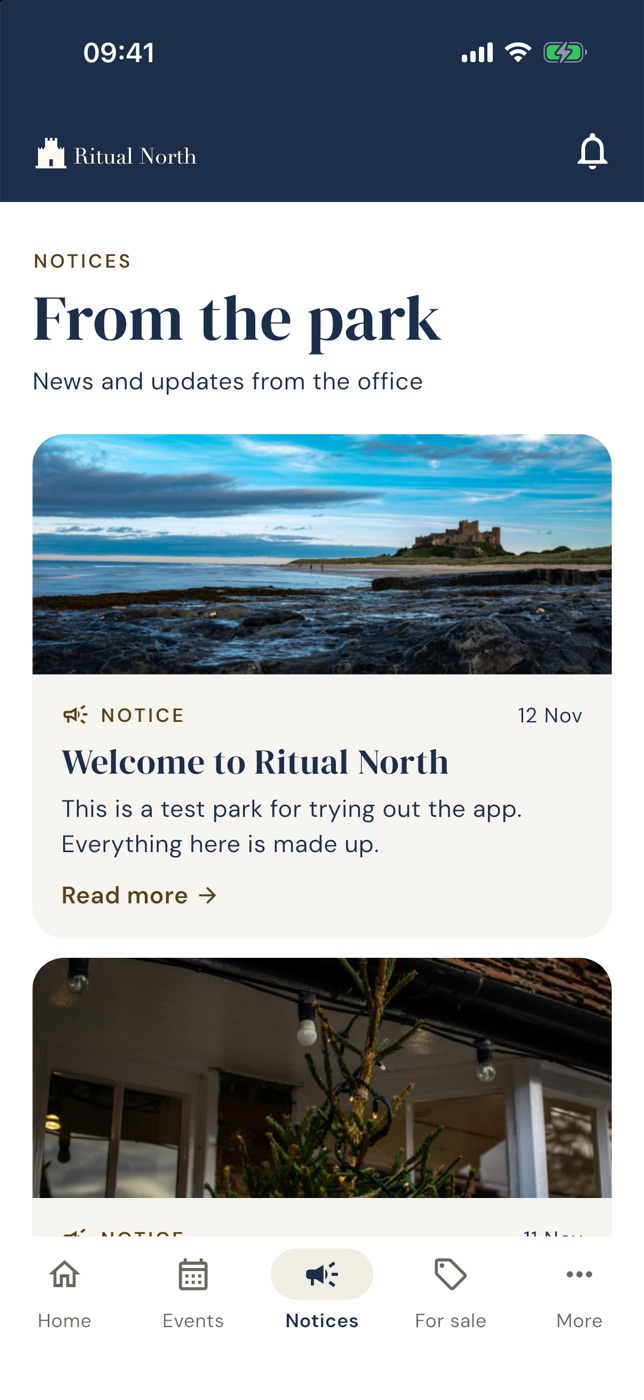
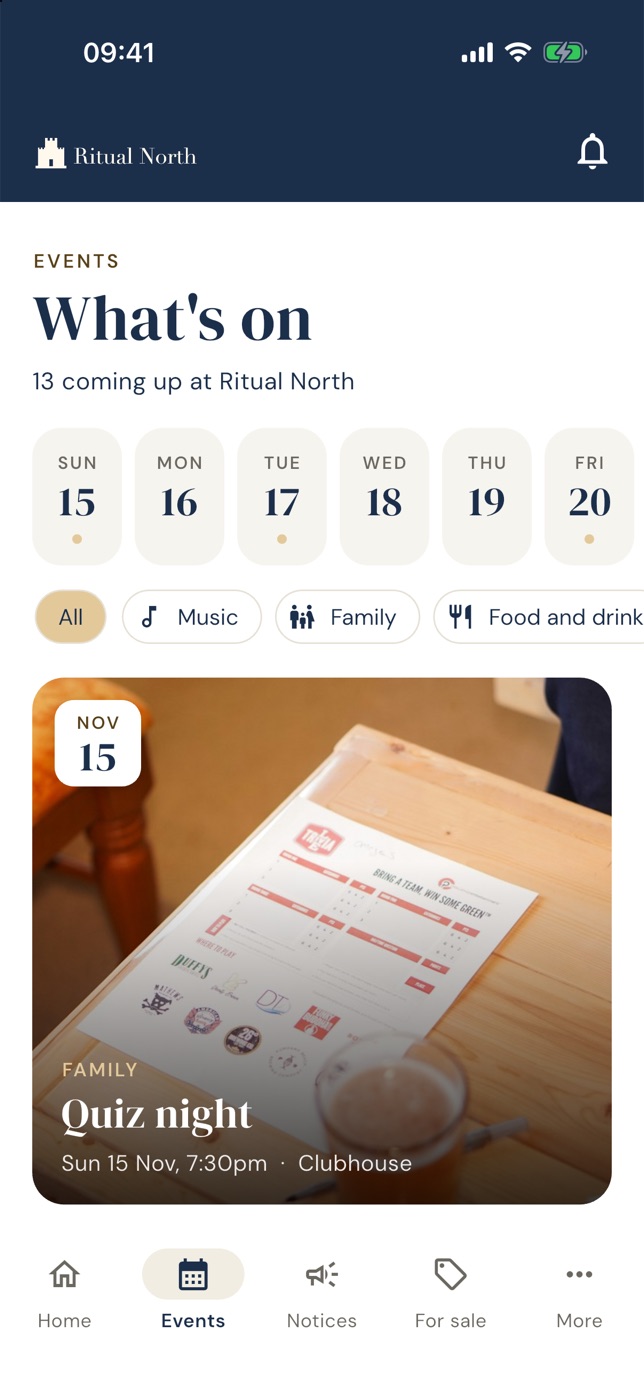
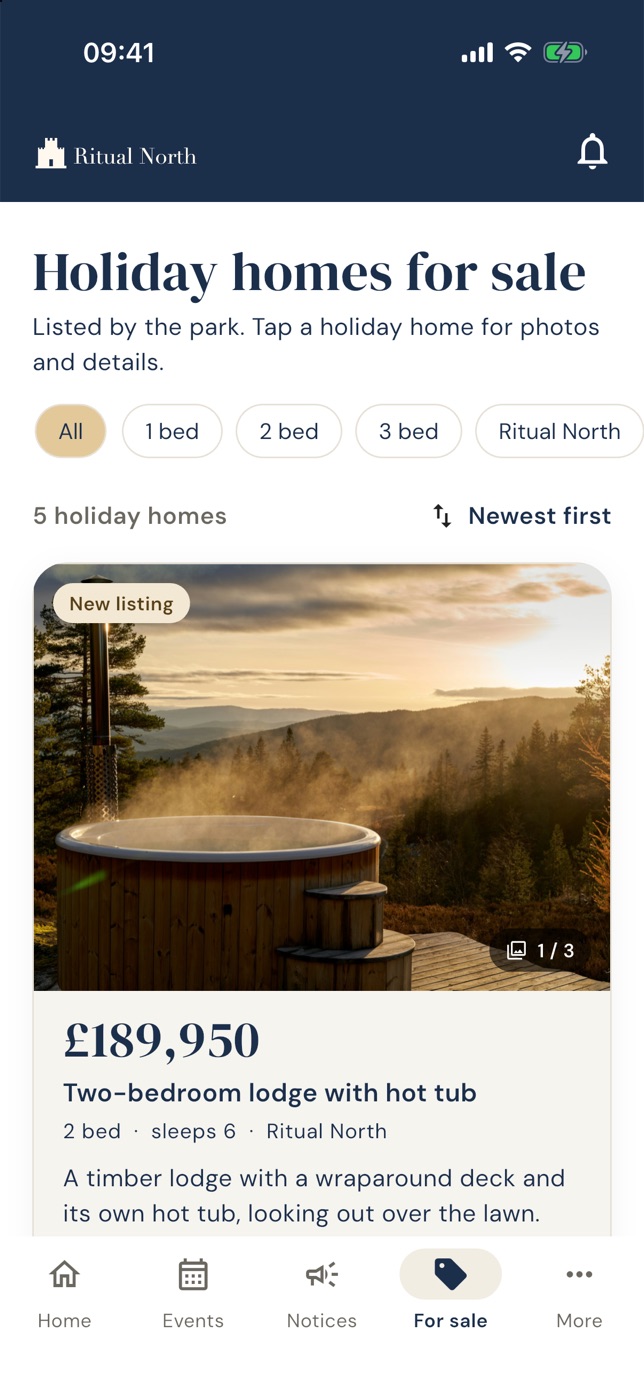
Screens are from our demo park. The content is made up.
News and urgent alerts
Notices with a photo, to everyone, one park or one owner. Urgent alerts for when it cannot wait, sent to their phones as notifications.
Events
What's on, by day, with a picture, the time and the place. Filter by music, family, food and more. Reminders sent for you.
Around the area
Walks, pubs and places to visit, chosen by you, with a photo for each.
Holiday homes for sale
Listings with photos, video, price and details, filtered by bedrooms, plus a page to share with anyone.
The park map
An illustrated map of the park with walks and places marked on it.
The weather
The forecast for your park on the home screen, because it is the first thing anyone checks.
Running it is the easy bit.
Post once, choose who
Write a notice or an event once and decide who it goes to: everyone, one park or one owner.
Post from your phone
Staff can post notices and events from the app, signing in with an authenticator code.
Your owners Park plan
Add owners and their plots one by one or from a spreadsheet, then send their invites when you are ready.
Owner codes Park plan
A shared code that unlocks the owners-only parts of the app, or owners' own accounts, or both.
Read receipts Park plan
See how many owners have read each notice, so you know it got through.
Several parks Park plan
Each park keeps its own map, events and notices. Switch between them from one account.
Switch parts off
Do not need homes for sale? Turn it off and owners will not see it.
Your own app
Your name, logo and colours, on the App Store and Google Play. See the plans →
See it with your own park in it.
Set up your park in a few minutes. It is free, and there is no card to enter.